Case Study · Samsung SmartThings · 2026
Samsung SmartThings: AI Living
This one was for Samsung's SmartThings AI Living campaign: a 30-second reel where I walk into my edit suite, the phone initializes SmartThings, and the whole room comes alive around me. Lights, the workstation, and a layer of holographic UI floating in the air over the desk.
It reads like one clean POV shot with some graphics on top. It is not. It's screen tracking, screen replacement, green screening, a full 3D camera track, hand keyframing, HUDs generated with Higgsfield, and a sound design pass that's doing half the work. And underneath all of it, acting that had to be planned and timed to the frame, because I was performing to interface elements that didn't exist yet.
Here's how it came together.
01
Plan the performance before the pixels
Everything in this piece hangs off one continuous POV move: through the hallway, into the room, down into the chair, hands on the desk. There are no cuts to hide behind, so every beat had to be decided before I rolled. Where the phone comes up, when I look at the monitor, when my hand reaches out, how long I hold still while a graphic lands.
That's the part people underestimate. The VFX only works if the acting gives it room. I was performing reactions to UI that would be built weeks later, which means the timing had to be planned like choreography and hit the same way every take.
02
Shoot the plate green
On the shoot day, every screen in the frame was a green card. The phone in my hand ran a green screen with tracking markers, and the monitor on the desk did the same. The room itself starts dark and wakes up as the shot progresses, so the practical lighting had its own cue timing on top of mine.
Markers matter more than usual here because nothing in this shot is locked off. The camera is walking, tilting, and settling into a chair, and the phone is moving independently inside that. Every screen has to be tracked through all of it.
03
Track and replace every screen
In After Effects, the phone and monitor each got planar tracks through the whole move, then their screens were replaced with the real content: the SmartThings initialization on the phone, the edit playing on the monitor. Keying the green is the easy part. The work is in making the replacement live in the shot, matching the motion blur, the perspective shifts, and the way light plays across a screen when you're walking with it.
04
3D track the room, then hang the HUDs in it
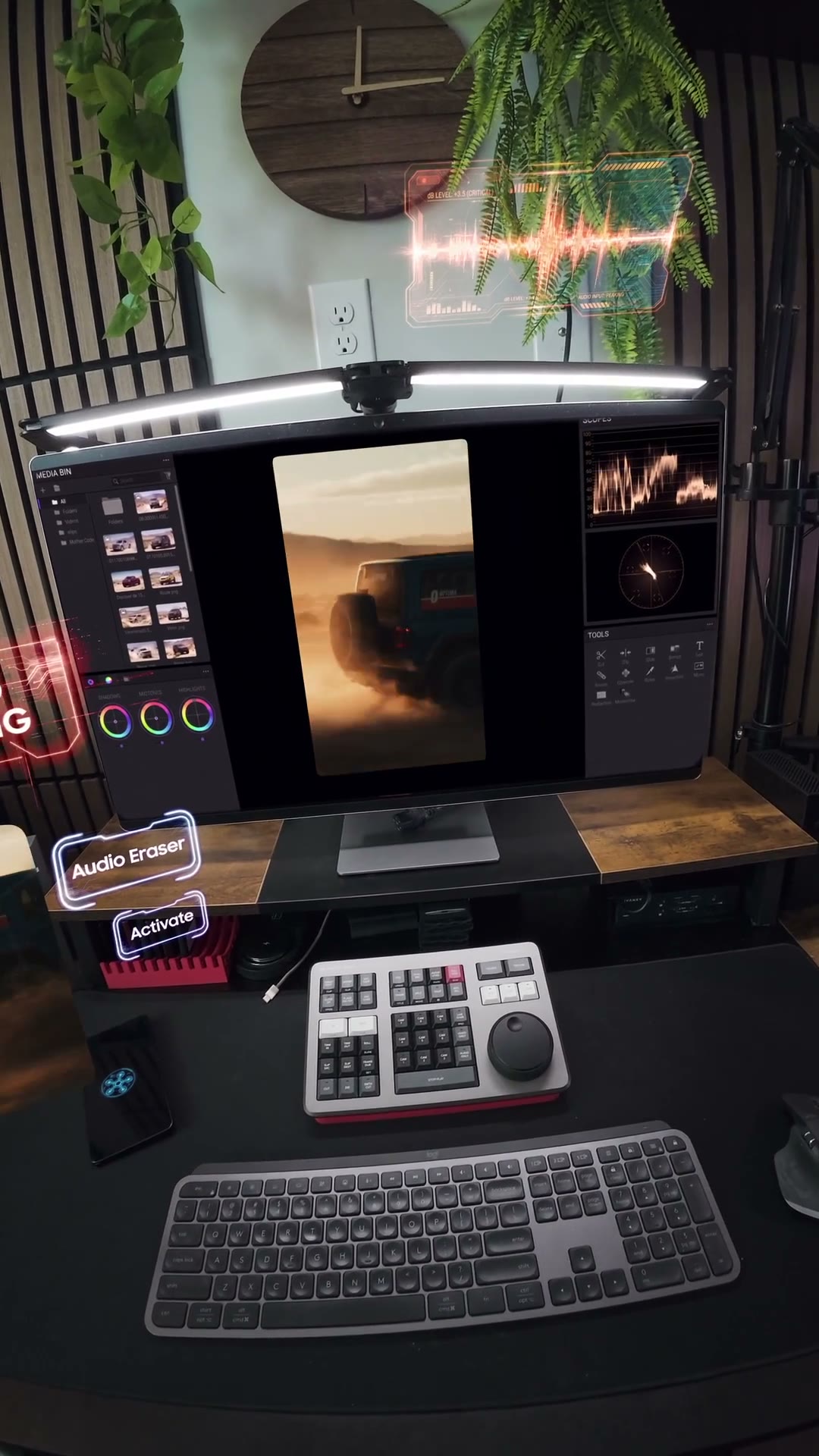
The floating panels are the heart of the piece, and they only work because the whole shot got a 3D camera track. Solving the room means the HUD elements can be parented into actual space, so as the camera settles at the desk, the panels hold their positions and parallax correctly against the monitor and the wall instead of sliding around like stickers.
One workflow quirk of mine: I track in solids instead of nulls. A solid gives me something I can actually see sitting in the room while I work, so judging position, scale, and drift is instant instead of abstract.
From there it was keyframing. Panels powering on in sequence, responding when my hand reaches toward them, the Audio Eraser card presenting itself and waiting for the tap. Every one of those movements is animated by hand against the plan from step one, and most of the keyframes get Easy Ease so the moves land smooth instead of mechanical. This is where the acting either pays off or exposes you.
05
Generate the HUDs with Higgsfield
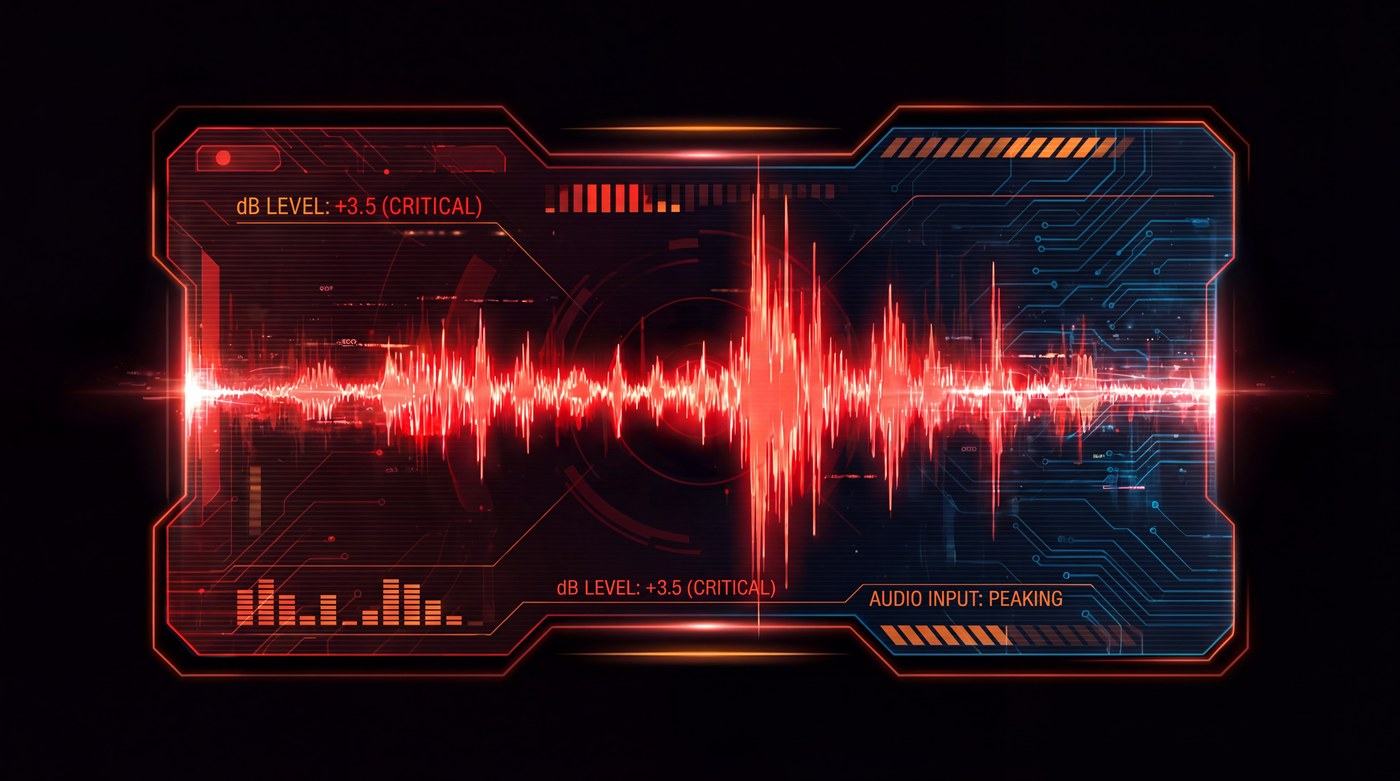
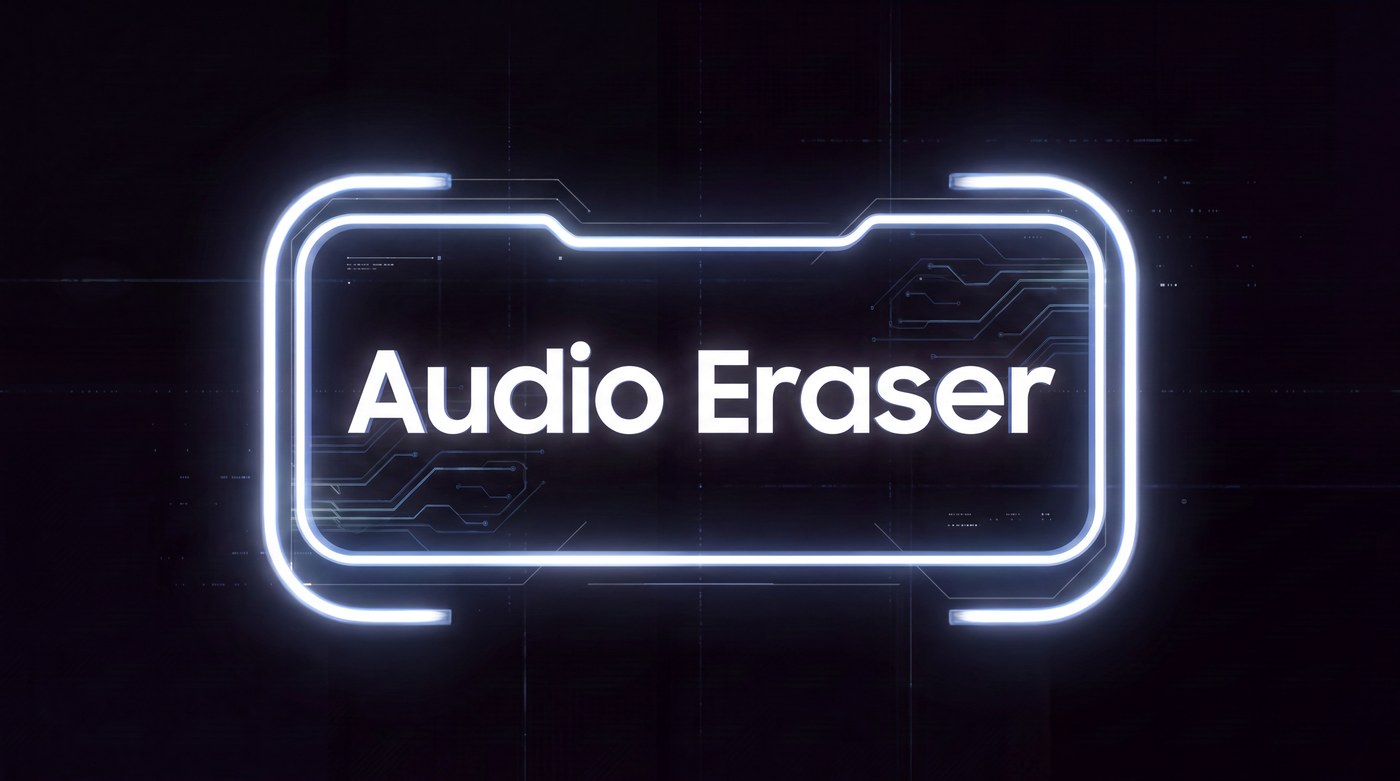
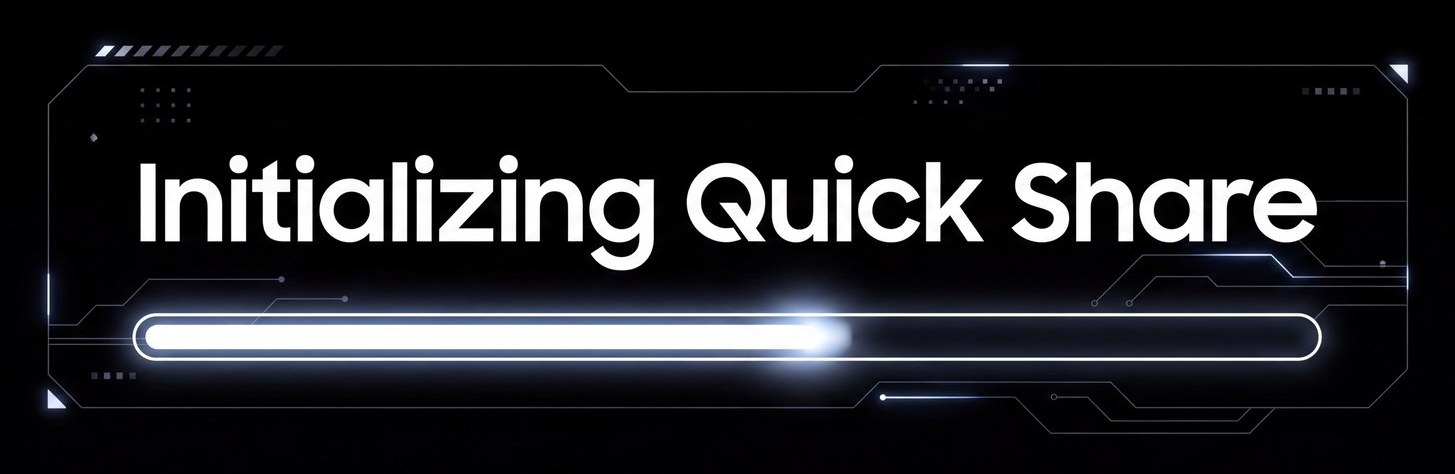
The interface elements themselves, the initialization bars, the waveform panel for Audio Eraser, the connective sci-fi framing, were generated with Higgsfield and then rebuilt into usable layers. Same philosophy as my product film work: let AI produce the raw texture, then curate hard and integrate by hand until it reads clean enough to sit next to a brand's real UI.
Generating them beats designing every panel from scratch by days, but none of it drops in as-is. Each element got cut out, retimed, and tracked into the scene like any other asset.

06
The sound design pass
Silent holograms read as fake instantly. So every element in this piece has a voice: the initialization, the panels powering on, the little servo moves when something reacts to my hand. I recorded and layered dozens of takes of interface sounds and hits, then timed them to the animation frame by frame.
It's the least visible pass and it might matter the most. When the sound lands exactly on the movement, your brain stops asking whether the graphic is really there.
The takeaway
Every technique in this piece exists to protect one illusion: that you're inside a single unbroken moment where the room simply responds to you. The second any layer slips, a track drifts, a sound lands late, a panel floats wrong, the whole thing collapses into "effects." Planning the performance first is what held it together.